


Getting started
Pick your simulator
Each simulator has its own tab in the Updater.
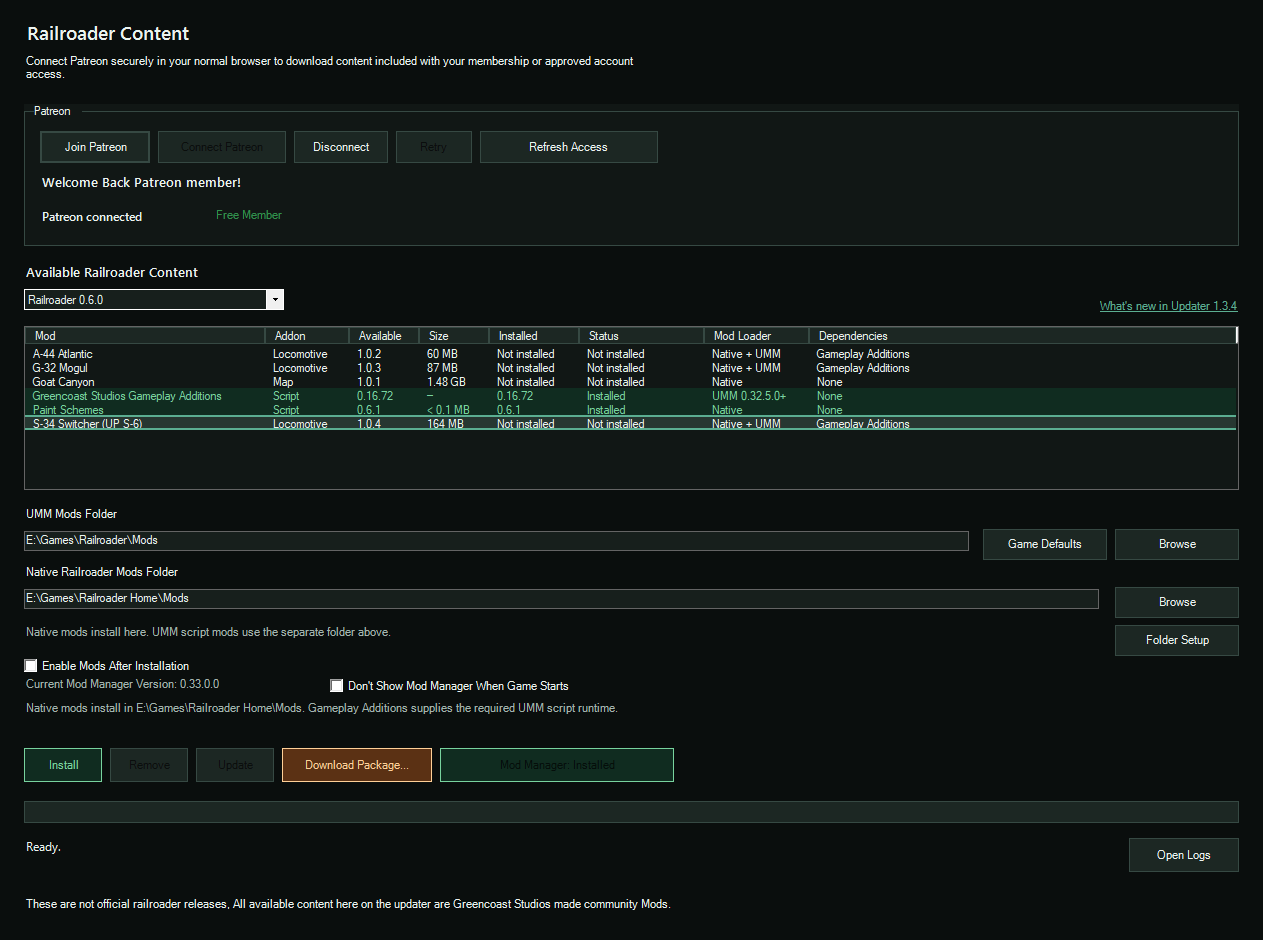
Railroader
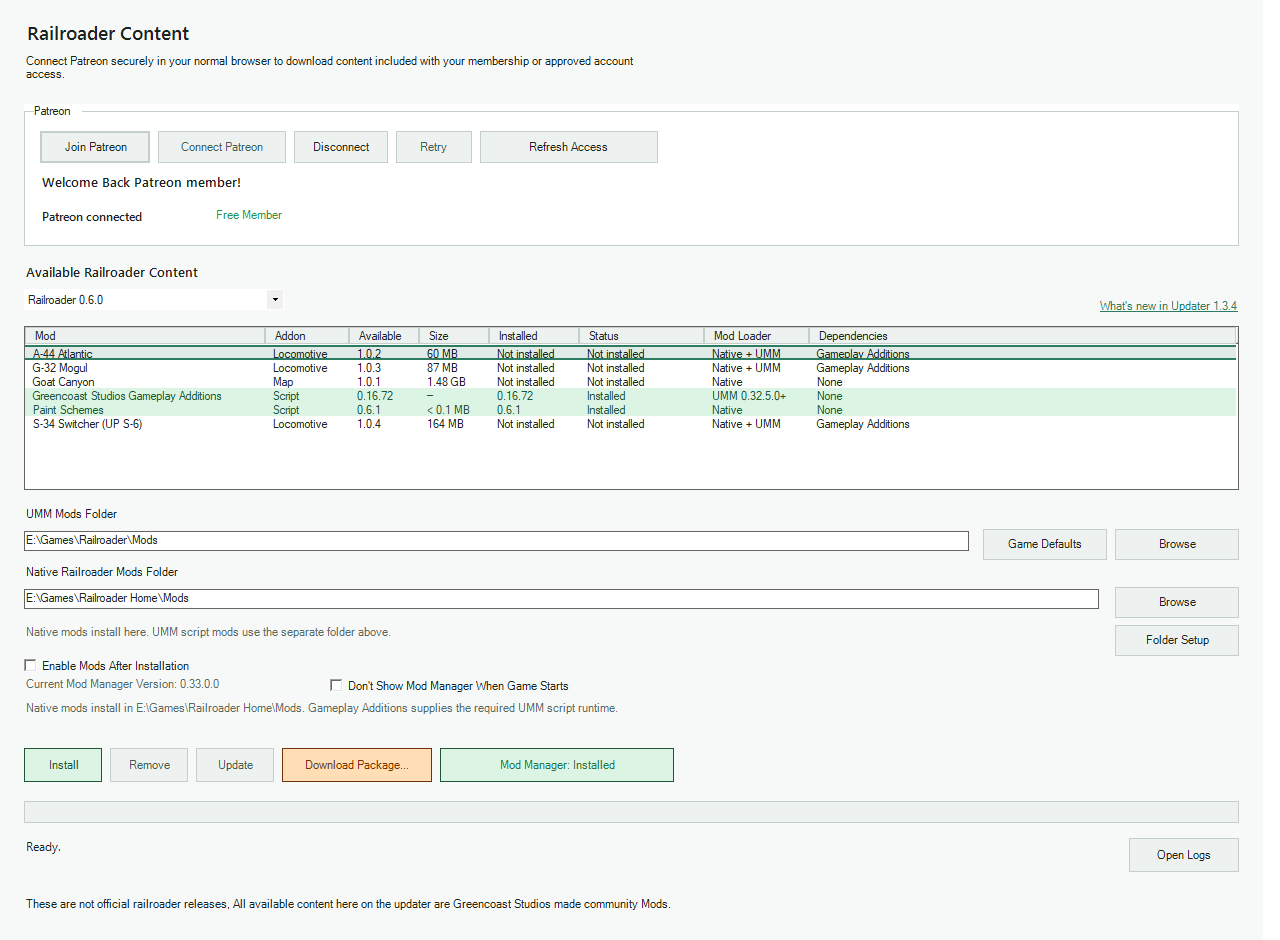
Needs a connected Patreon membership. Any tier works for almost everything.
- Open the Railroader tabThen choose your Railroader installation.
- Connect PatreonYou log in through your normal browser, not inside the app.
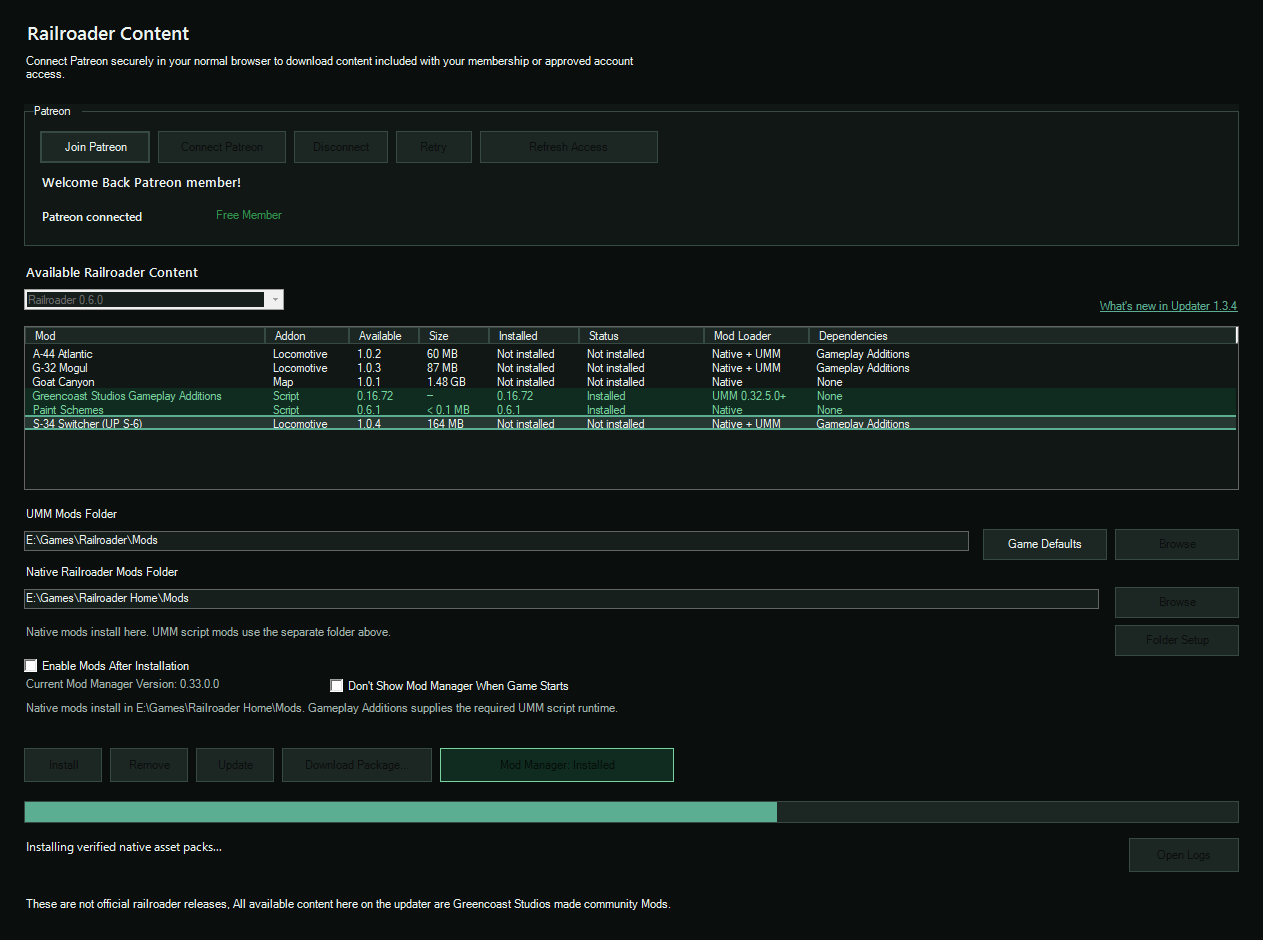
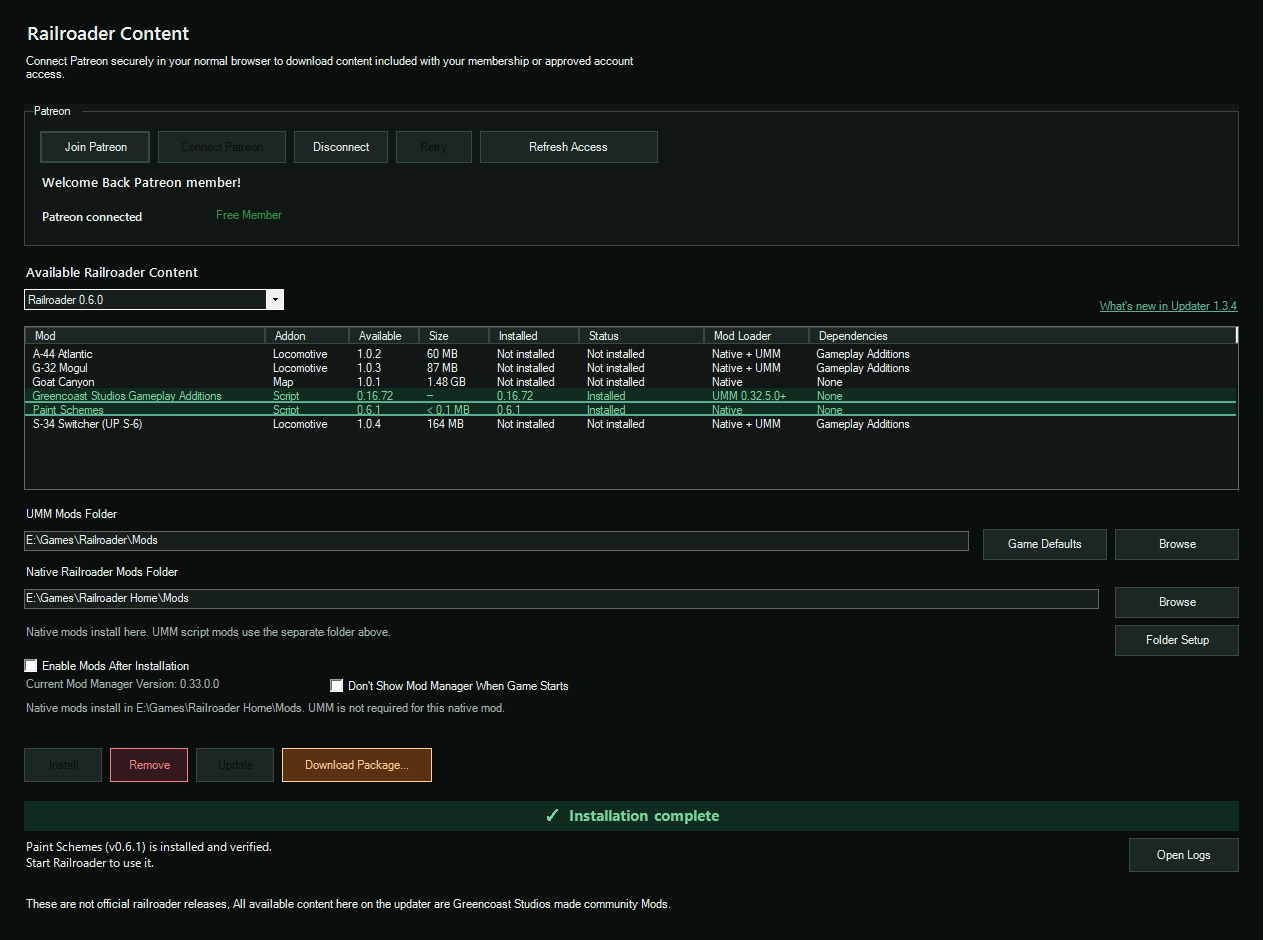
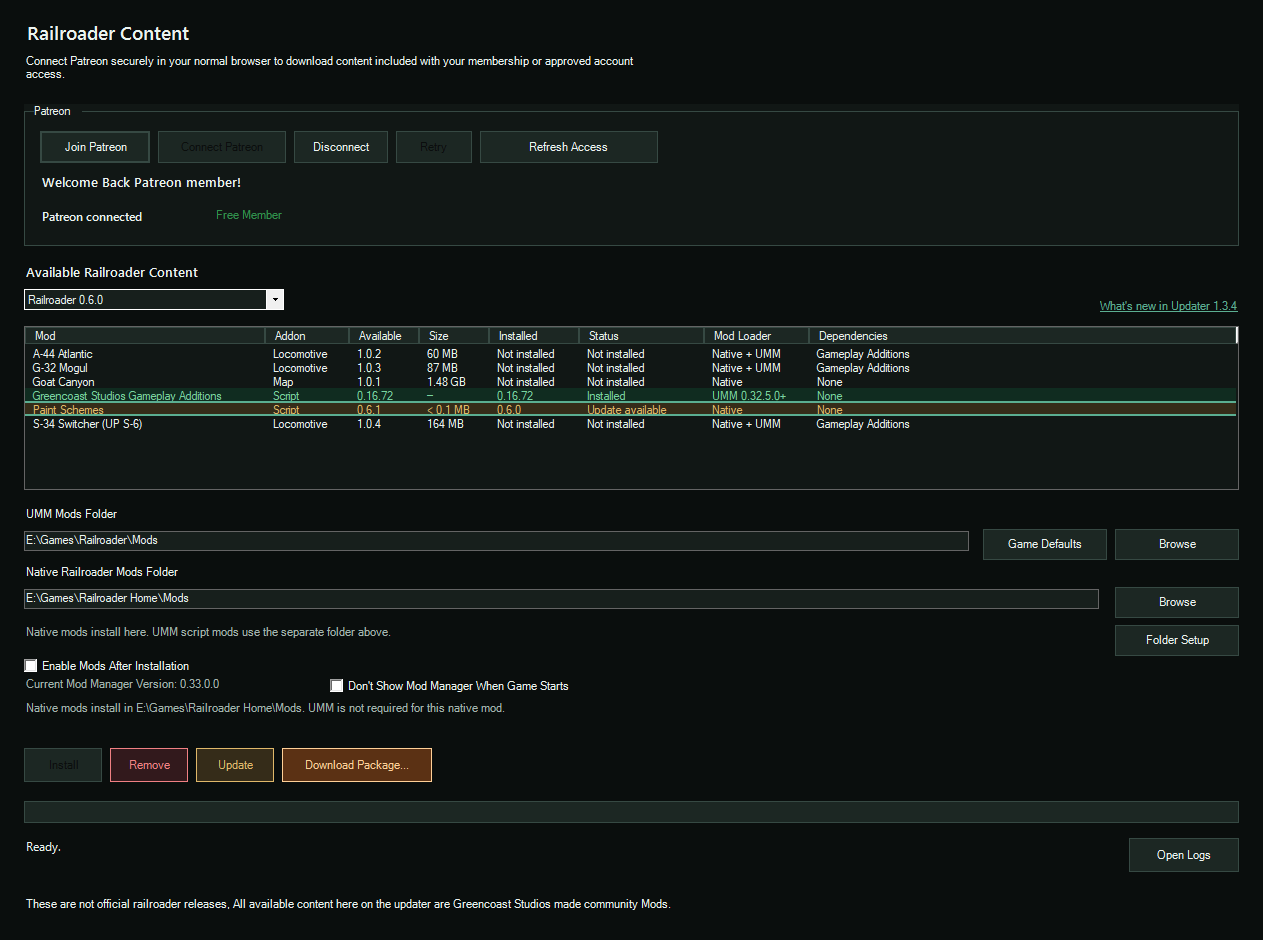
- Install or updateSelect a package and click Install / Update. Close the game first.
Almost everything is open to any connected member. The N-64 Northern is limited to approved accounts for now.
Trainz
For products you bought from Greencoast Studios.
- Enter your checkout emailUse the same email you bought with.
- Check accessThe Updater shows the supported products on your account.
- Download your CDPChoose a folder and get the current package or update.
Just purchased? Wait about 5 minutes, then check again.
See Trainz contentWhat it does for you
Less file wrangling, more running trains
Always the current version
See what's available and update without hunting for download links.
Repair and roll back
Fix a damaged install, or return to an earlier authorized release.
Mod Manager handled
If Unity Mod Manager is missing, the Updater sets it up for supported installations.
Dependencies flagged
The catalog shows what a package needs, such as Gameplay Additions for our locomotives.
Your folder, your choice
Pick where your Trainz CDP downloads are saved.
Your existing purchases
Supported Trainz purchases stay tied to your checkout email.
Questions
Good to know
Does it cost anything?
No. The Updater is free. Railroader content needs a connected Patreon membership, and the free tier qualifies for almost all of it. Trainz content is tied to your purchase.
Does it work on a Mac?
The app is Windows only. On a Mac, use the web downloader to get eligible CDP files, then import them through Trainz Content Manager.
Which Railroader installs are supported?
Railroader 0.6.0 content runs on supported installations, and the Updater checks the one you pick. Railroader itself is required separately.
I just bought something and it isn't showing.
Wait about 5 minutes, then check again using the same email you used at checkout.
Do I need to install Unity Mod Manager first?
No. If it's missing, the Updater sets it up for supported installations before installing a mod that needs it.